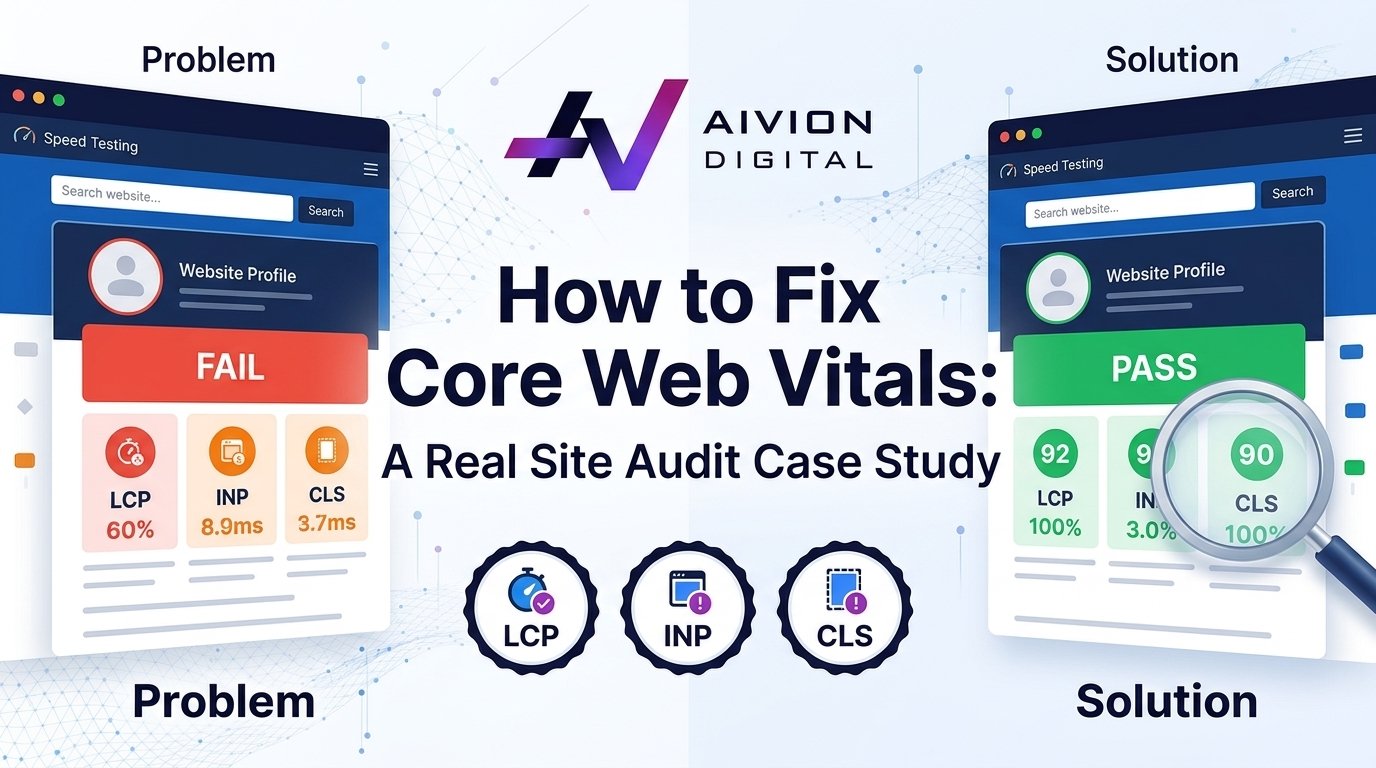
How to Fix Core Web Vitals:
Slow websites lose visitors and drop in search rankings. When a business website struggles with slow load times, fixing Core Web Vitals is the fastest way to bring back traffic and improve search visibility.
In this case study, we look at how Aivion helped an e-commerce site clean up its code, fix speed issues, and improve its overall search performance.
The Initial Audit: What Was Wrong With the Site?
The client came to us with dropping organic rankings and high bounce rates on mobile devices. A quick run through Google PageSpeed Insights and Chrome User Experience Report (CrUX) showed red scores across all main performance metrics.
Here is what the initial audit revealed:
- Largest Contentful Paint (LCP): 4.8 seconds (Google recommends under 2.5 seconds).
- Interaction to Next Paint (INP): 340 milliseconds (Google recommends under 200 milliseconds).
- Cumulative Layout Shift (CLS): 0.28 (Google recommends under 0.1).
The main culprits behind these bad scores were giant hero images, render-blocking scripts, unoptimized custom fonts, and third-party tracking tags slowing down the browser.
Step 1: Fixing LCP (Speeding Up Main Content Loading)
Largest Contentful Paint measures how fast the largest element on the screen loads. On this site, the biggest piece of content was a heavy PNG hero banner on the homepage.
To fix LCP, our technical team applied three direct fixes:
- Image Conversion and Compression: We converted all site images to WebP format and compressed them without losing visual clarity. This cut image file sizes by over 65%.
- Preloading the Hero Image: We added a preload tag in the HTML head section so the browser prioritizes loading the banner right away.
- Optimizing Server Response Time: The site was hosted on a basic shared server. We migrated the site to a cloud host with edge caching enabled via Cloudflare.
These changes dropped the LCP time from 4.8 seconds down to 1.9 seconds.
Step 2: Fixing INP (Improving Page Responsiveness)
Interaction to Next Paint tracks how fast a page responds when a user clicks a button, taps a menu, or opens a dropdown. The client’s page was frozen during the first few seconds because of heavy JavaScript execution.
We took the following actions to clear up the browser main thread:
- Deferred Non-Essential JavaScript: Marketing scripts, live chat widgets, and secondary tracking pixels were deferred so they only load after the main content is fully interactive.
- Code Splitting: Instead of loading one giant JavaScript bundle on every page, we broke the code down so pages only load the scripts they actually need.
- Removed Heavy Plugins: We audited the backend plugins and removed four legacy plugins that ran unnecessary background tasks.
These adjustments brought the INP score from 340ms down to 110ms, making clicks and menu taps feel instant.
Step 3: Fixing CLS (Stopping Elements From Jumping Around)
Cumulative Layout Shift measures visual stability. On this website, buttons and text shifted downwards as late-loading images and popups loaded in, causing accidental clicks.
To solve the layout shifting issues:
- Set Explicit Width and Height Attributes: Every image tag and video container was updated with defined dimensions in the HTML, reserving exact space on the page before loading.
- Font Display Swap: Custom web fonts were causing text shifts when switching from system fonts. We applied
font-display: swapin the CSS to prevent layout movement during font rendering. - Reserved Banners Space: Promotional banner slots were given fixed height containers so late-loading promo codes did not push page content down.
The CLS score dropped from a unstable 0.28 down to 0.02, completely removing layout jumps.
The Results: Traffic and Performance Impact
After implementing these technical fixes, we submitted the updated URL paths in Google Search Console for re-validation. Within four weeks, Google marked all audited URLs as “Good” in the Core Web Vitals report.
The business outcomes were clear:
- Mobile Organic Traffic: Increased by 38% within 60 days.
- Bounce Rate: Reduced by 22% as pages loaded fast on mobile connections.
- Conversion Rate: Improved by 18% due to a smoother checkout experience.
Partner With an Experienced Technical SEO Team
Fixing Core Web Vitals requires deep technical knowledge of browser rendering, code optimization, and server setups. As a leading seo agency, Aivion helps businesses audit their websites, eliminate technical bottlenecks, and achieve fast loading speeds.
If you are looking for an expert seo agency kuala lumpur or need reliable seo services kuala lumpur, our team delivers customized strategies for sustainable search growth. Whether you need a dedicated seo agency kl or specialized seo service kl, we focus on measurable results that bring organic revenue.