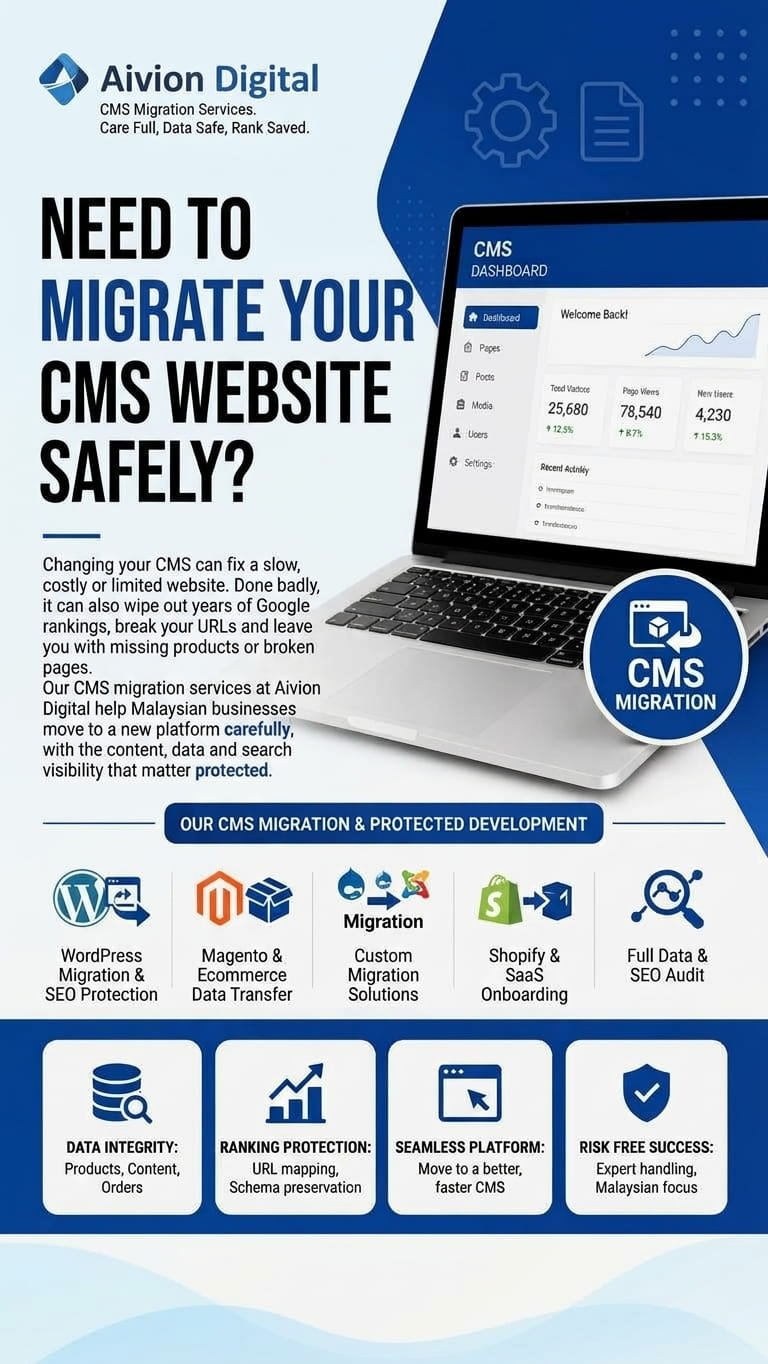
Changing your CMS can fix a slow, costly or limited website. Done badly, it can also wipe out years of Google rankings, break your URLs and leave you with missing products or broken pages. Our CMS migration services at Aivion Digital help Malaysian businesses move to a new platform carefully, with the content, data and search visibility that matter protected.
We plan every move before touching anything, test thoroughly before launch, and check results after going live.
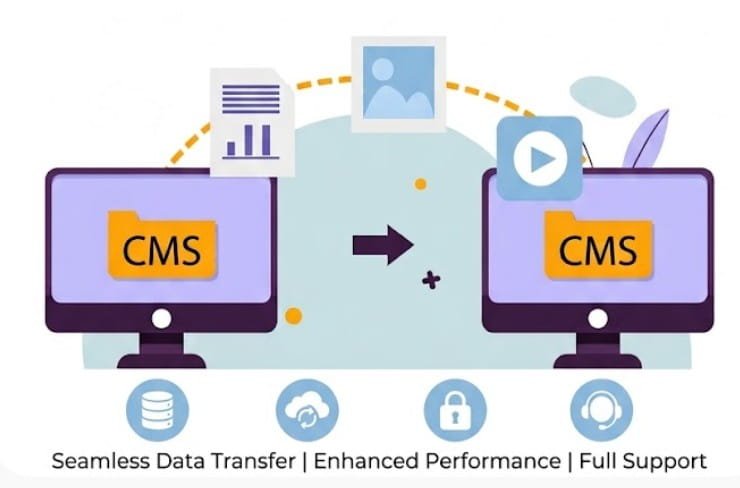
CMS migration is the process of moving your website from one content management system or platform to another. That can mean WordPress to Shopify, Shopify to WooCommerce, Wix to WordPress, Magento to Shopify, or a move from a custom or older system to something modern.
It’s more than copying pages across. A proper migration covers your content, products, customers, images, URLs, metadata, redirects, forms, integrations and design. It also covers the parts people forget: internal links, canonical tags, sitemaps and tracking.
In practice, it covers:
It suits businesses that have outgrown their platform, want lower running costs, need better features or want a site that’s easier to manage.
A CMS migration touches almost everything on your website, so small mistakes can have a big impact. A professional approach helps you:
Results depend on your site, your platform and the complexity of the move. We’ll tell you honestly what’s realistic, including what may change.
Redirects, URL mapping and metadata handling are designed to keep as much of your Google traffic as possible.
Products, customers, orders and content are moved with checks, so nothing quietly goes missing.
Careful staging and launch planning keep your site available and your sales running.
Testing before launch is far cheaper than fixing broken checkouts or lost pages afterwards.
A migration is a chance to clean up structure, speed and content, not just copy old problems across.
You focus on running the business while we handle the technical work.
We move websites between many platforms. Common examples include:
For businesses that want a simpler, hosted ecommerce setup.
For stores that want more control and customisation.
For design-led sites, or moves to a more flexible content setup.
For sites that have outgrown a template builder.
For ecommerce stores changing scale or setup.
For older sites that need a simpler, easier-to-maintain platform.
For legacy systems that are hard to update.
If your move isn’t on the list, talk to us. The principles are the same across platforms, and we’ll tell you honestly if a particular move isn’t a good fit.
We start by auditing your current site. We list pages, posts, products, media, URLs, plugins, integrations and traffic. We find the pages that bring in the most visits and revenue so they get extra care. You get a clear migration plan with scope, risks, steps and responsibilities.
If you’re still deciding where to move, we compare options based on your goals, budget, team and features. If your current platform is actually fine, we’ll say so.
We move pages, blog posts, categories, tags, authors, images, videos and documents. We keep formatting, alt text and internal links where possible, and clean up broken or outdated content as agreed.
For online stores, we migrate products, variants, categories, prices, inventory, customers and order history where the platforms allow. We also check taxes, shipping settings and payment connections.
We map every important old URL to its new one and set up 301 redirects. Where the new platform forces a different URL structure, we plan the best possible path to protect search value.
We carry over title tags, meta descriptions, headings, canonical tags, schema markup, hreflang tags and internal links. We update XML sitemaps, check robots.txt and make sure the new site can be crawled and indexed properly. For wider ranking work after the move, see our SEO services.
We rebuild or adapt your design on the new platform, along with forms, search, menus and key features. If you want a redesign during the move, we can do that too. For full builds, see our website development services.
If your site has more than one language, such as English and Bahasa Malaysia, we plan the structure so language versions, URLs and hreflang settings move across correctly.
Before launch, we test content, links, forms, checkout, payments, redirects, mobile layout, browser compatibility and page speed on a staging site. We compare the new site against the old one to catch gaps.
We plan the switch carefully, including DNS changes, content freezes and a rollback plan, to keep downtime as short as possible. After the switch, we recheck everything on the live site.
After launch, we run a post-migration SEO check, watch indexation and crawl errors, monitor broken links and track performance. If something needs fixing, we deal with it quickly and explain what happened.
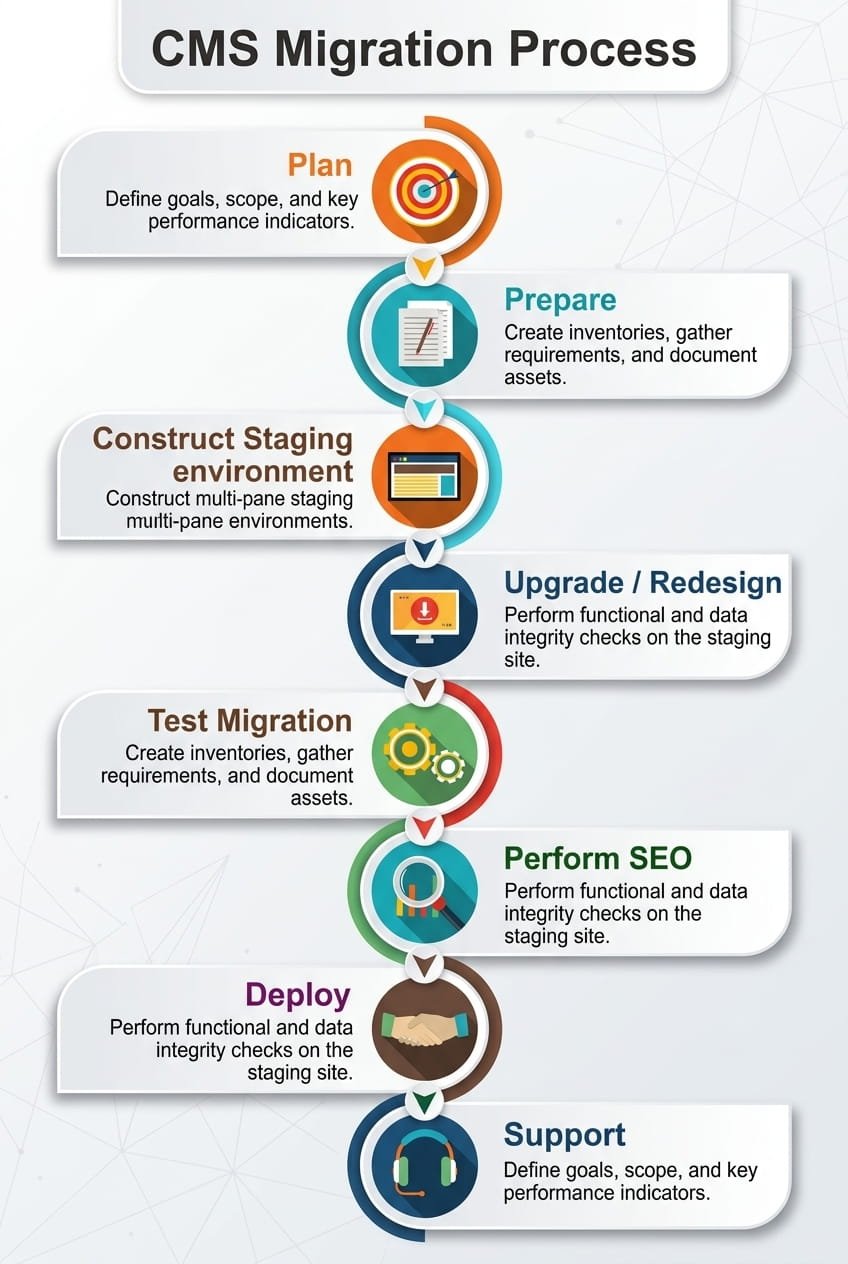
We learn about your site, your reasons for moving and your goals. Then we audit the current site, traffic, URLs, content, data and integrations.
We create the migration plan. That includes platform setup, data mapping, URL and redirect mapping, SEO requirements, timeline and testing steps. You review and approve it before work begins.
We set up the new platform, migrate content and data, rebuild design and features and carry over SEO elements. Work happens on a staging environment, not your live site.
We test everything on staging, fix issues and compare against the old site. You get a chance to review and approve before launch.
We take the new site live, apply redirects, update sitemaps and check everything on the live site straight away.
After launch, we monitor indexation, errors, speed and traffic for a period, fix problems and report on what we find.
Choosing a migration partner is a trust decision. Here’s what you can expect from us:
Because we understand SEO, we plan redirects, URLs and metadata from the start, not as an afterthought.
We audit and map everything before moving anything.
We test on staging so problems are found before your customers find them.
You’ll know what’s included, what’s not and what the risks are before work begins.
We consider local payment setups, bilingual content, mobile shoppers and busy sales periods.
We don’t promise zero impact or guaranteed rankings. We tell you what’s realistic and what to expect.
You’re not left alone once the site goes live.
We migrate websites for businesses across different sectors, including ecommerce and retail, professional services, education, property, technology and local businesses. Each sector has different data and risks, so we start by understanding yours.
It depends on the size of your site, the amount of data, the platforms involved and how much rebuilding is needed. We review your site and goals first, then give you a custom quote with a clear scope.
Timelines depend on the size of the site, the complexity of the data and how quickly content and approvals come in. We’ll give you a realistic schedule once we’ve audited the site and agreed the scope.
Some movement can happen after any migration, even a well-planned one. We reduce the risk with URL mapping, 301 redirects, metadata carry-over, sitemap updates and post-launch monitoring. We can’t guarantee rankings, but we plan carefully to protect as much visibility as possible.
We build and test the new site on a staging environment, so your live site keeps running while we work. The switch itself is planned to keep downtime as short as possible, and we use a rollback plan in case something goes wrong.
Yes, where the platforms allow it. We migrate products, variants, categories, customers and order history, and we test the data after transfer. Some details, such as passwords or certain plugin data, may not transfer directly, and we’ll tell you in advance.
We handle common moves such as WordPress, Shopify, WooCommerce, Webflow, Wix, Squarespace, Magento, Drupal and Joomla, as well as custom systems. Tell us your current and target platforms, and we’ll confirm how we’d approach it.
Yes. Many clients combine migration with a redesign. We can match your current design or build a new one, depending on your goals and budget.
Yes. We monitor indexation, broken links, errors and performance after launch, and fix issues. We’ll explain the support period and options before work begins.